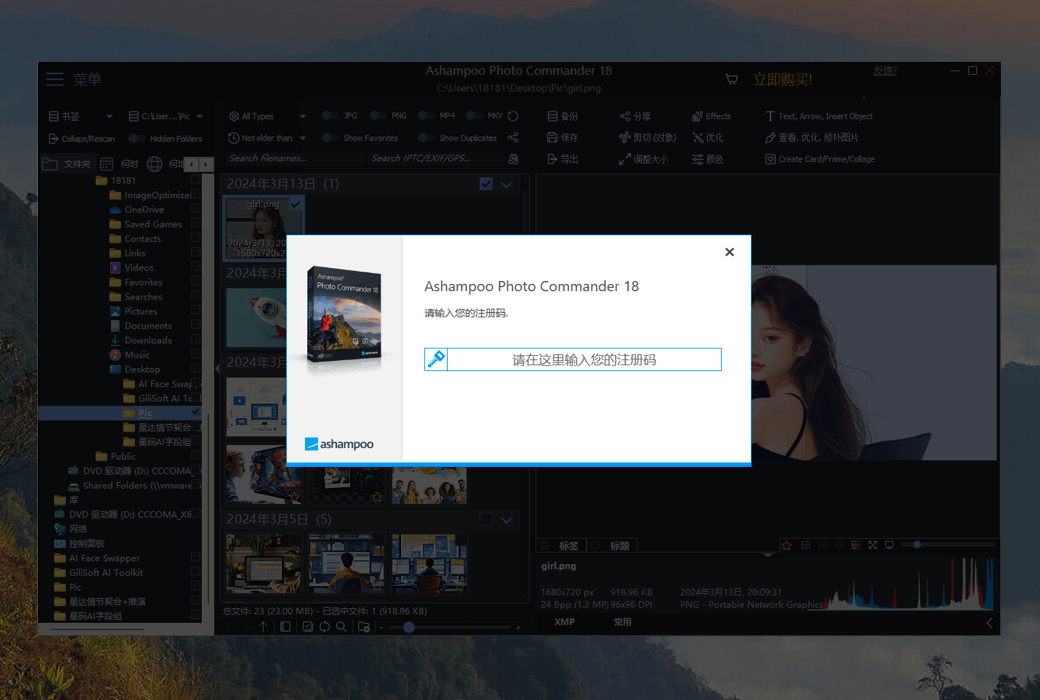
After 20 years of careful construction, the results are remarkable!
Ashampoo Photo Commander contains over 200 photo related features and is rightfully hailed by its fans as a 'feature monster'. Indeed: With just a few clicks of the mouse, you can easily get started and constantly discover practical features and tools that other companies will sell separately. Starting today, embark on your fun photo editing journey!
Stronger performance, more comprehensive protection, and more comfortable user experience!
More private, convenient, and diverse photo formats
The all-new Ashampoo Photo Commander 19 brings you a perfect upgrade! Enjoy more private photo protection, smoother management experience (smart drive detection), and a brand new 'place/time' view. Photo Commander 19 fully supports modern formats such as WEBP animation, RAW, and optimized video codecs, and has made many detailed improvements to features such as wizards, collages, and duplicate photo detection!
- Database, backup, and registry automatic encryption
- Optional screenshot protection function to prevent third-party access
- Crash safety function, with automatic saving and new crash report function
- Automatically detect USB flash drives and external hard drives
- Location/Time view, displaying the number of files for quick overview
- WEBP animations supporting EXIF and XMP
- Updated RAW plugin for digital cameras
- Optimized GIF decoder and new video codec
- Improved wizard with a completely new design, faster search speed for duplicate files
- Support the ADF scanning function of Canon professional scanners
Find duplicate photos, edit metadata, and intelligently search for files
Ashampoo Photo Commander is so convenient! It can scan your gallery for duplicate photos and help you filter photos by name, EXIF/IPTC data, or comments. Searching for photos like a needle in a haystack has become incredibly easy. You can even manually add missing metadata and never lose photos again!
Includes collages, cards, and photo frames
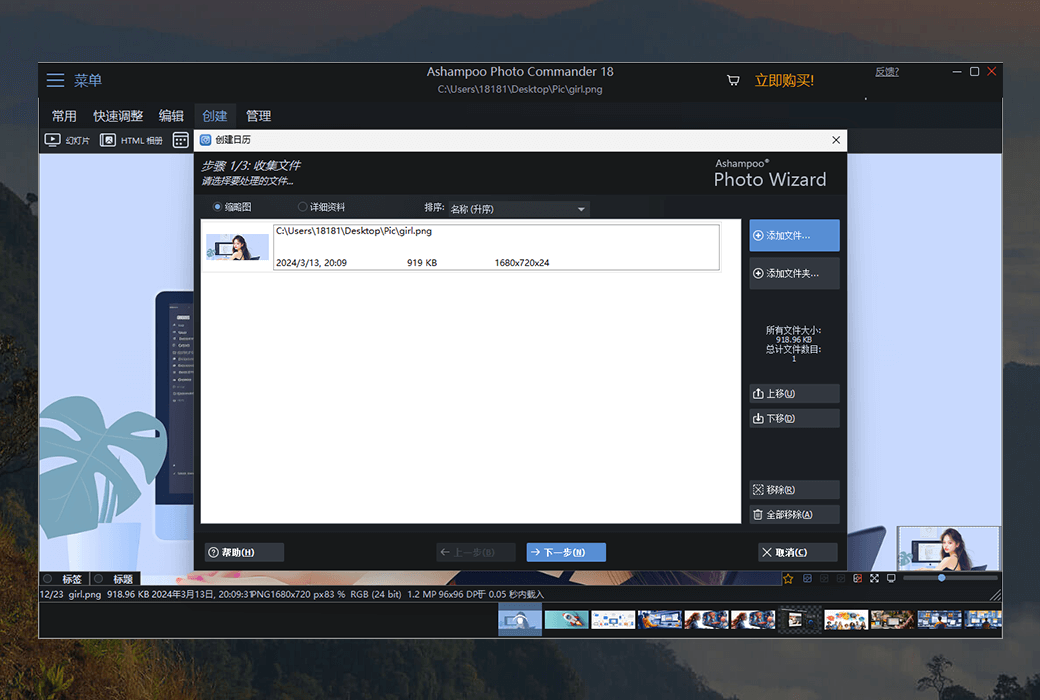
Unleash creativity: Photo Commander comes with numerous built-in templates to help you easily create stylish collages and exquisite cards. Add exquisite photo frames to photos and combine images and text to create greeting cards for festivals, parties, and special occasions.
Utilize improved background adaptation features to create more exquisite collages; All guides adopt a brand new design; With the help of a new sorting method, even a massive list containing thousands of records can be searched for duplicates at an unprecedented speed! In addition, the automatic caching function ensures the safety and security of your work, even if the program crashes, it will be safe and sound.
Crop and edit photos
Novice or professional users: fully unleash the potential of photos
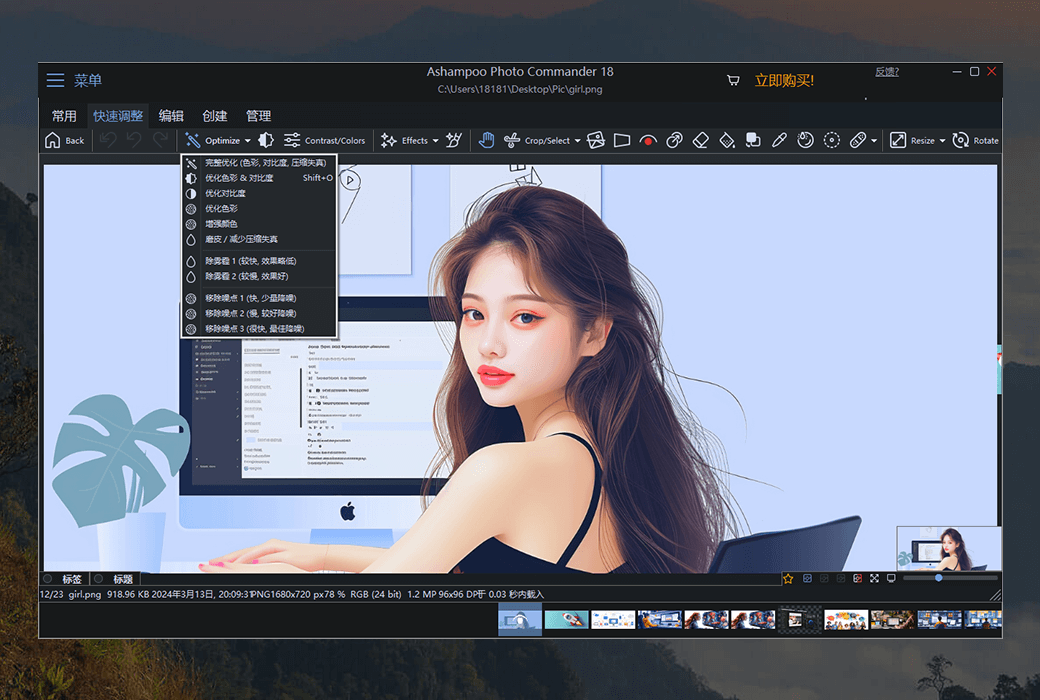
Easily crop photos, correct image horizontal lines, and enhance colors. Extract characters and objects, and adjust the perspective of the image as needed. Experience numerous excellent photo effects and enhance professional skills through gradient curves and tone value correction! Whether it's quick fixes or fine post-processing: Ashampoo Photo Commander can meet your needs!
A perfect overview image viewer
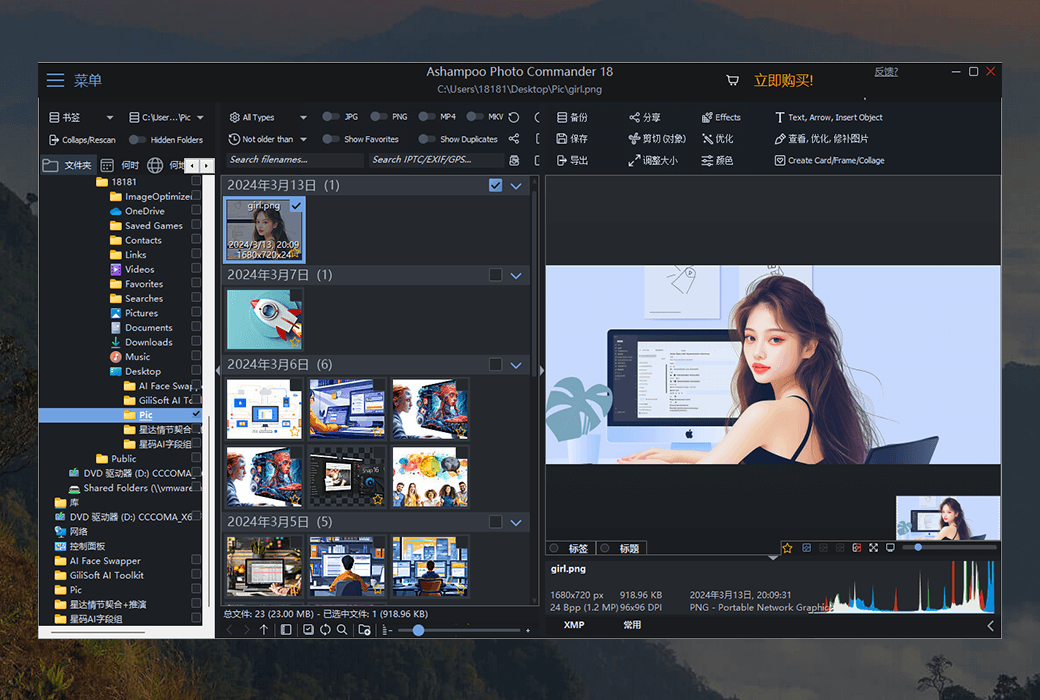
- Intelligent grouping and sorting by shooting date, time, or file name
With Ashampoo Photo Commander, you can always have control over your photos. No matter how many photos you have, intelligent filters and grouping options can help you easily manage them! Sort by chronological order, theme, and location, or apply custom filters to immediately find every photo!
- Easy management and real-time updates
The connected USB flash drive or external hard drive can now be automatically detected, and the folder list is updated instantly - no manual operation is required. The new 'Location/Time' view immediately displays the number of files in each section, allowing you to quickly and clearly understand the file overview.
- Easy design of slides
Create 4K high-resolution slides with appropriate transition effects and add music in various formats to your photos. The completed project can be previewed in real-time through a brand new video playback bar and can be directly burned to a disc.
Automatically enhance photos
Even mediocre photos can be transformed into precious vacation memories through the automatic image correction function. Instantly remove scratches, noise, or red eyes! The automatic calibration function can help you complete most of the heavy work - even in batch processing mode, it can beautify the entire gallery at once! Just click the button to optimize color or contrast and eliminate compression marks!
Multi functional demonstration mode suitable for various occasions
Whether you're admiring photos alone or sharing them with family and friends, the new presentation mode is truly amazing - especially in multi screen display environments. You can control the presentation on one monitor, while your audience can enjoy the effects on another monitor (such as a projector). You can even make real-time adjustments without leaving the demo interface!
Add geotags
Modern cameras and mobile phones use geotagging to save location information with each photo. Ashampoo Photo Commander can not only use these tags for sorting, but also edit and create tags. You will receive precise street level shooting location information! Do you want to see all the photos of Paris? No problem. You can even instantly view every shooting location on Google Maps!
Revitalize bad photos or create stunning panoramic photos
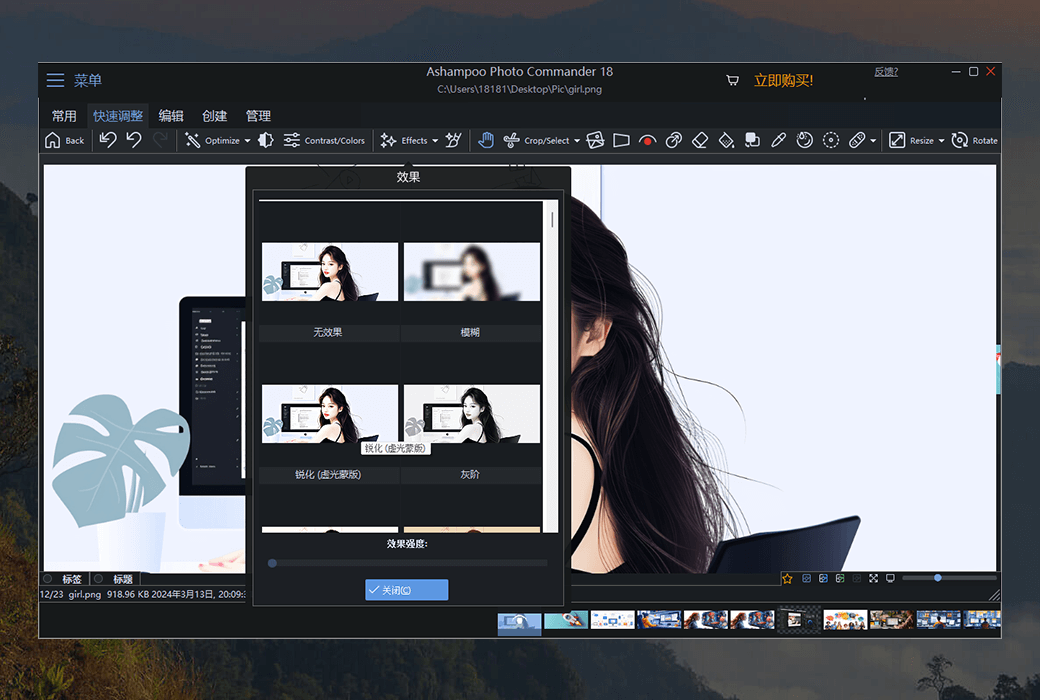
Not every photo can be perfect! The built-in automatic repair function of Photo Commander can effectively repair photos that are overexposed or have color distortion, with significant results. You can also apply various special effects individually to add vitality and depth to photos, or combine them into stunning panoramic views.
Batch processing, easy to handle
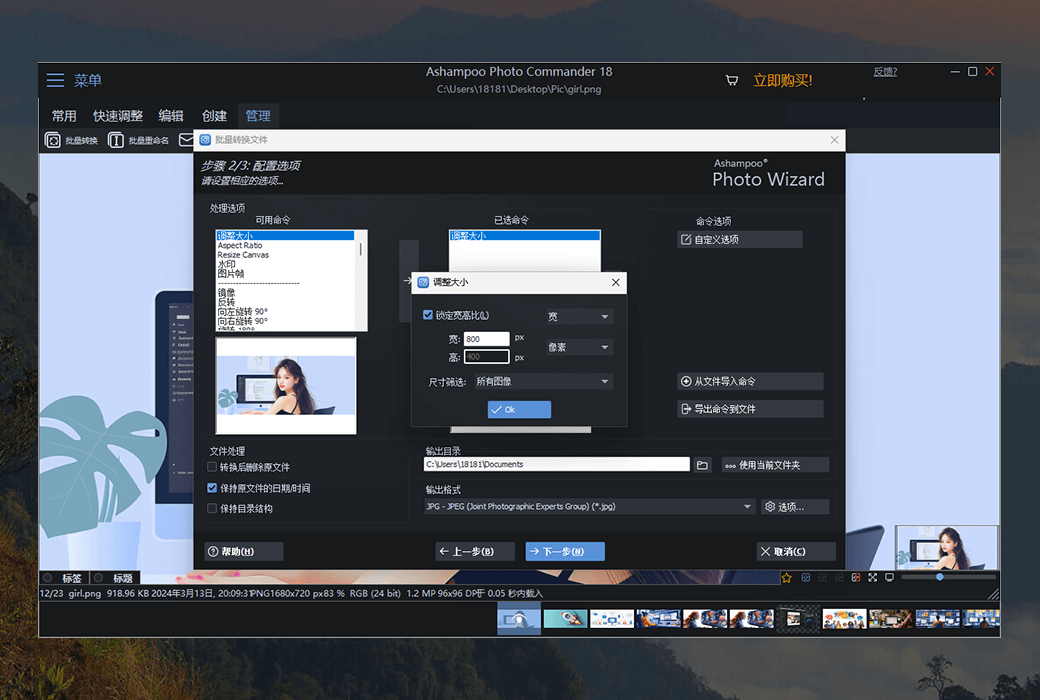
Convert multiple images to different formats at once, and adjust the image size and aspect ratio. Add watermarks or borders to photos, and rotate or mirror the photos as needed. Modify brightness, contrast settings, or eliminate image noise. All of these operations can be completed through batch processing, saving a lot of time and effort!
Rich features: One software can achieve over 200 photo processing functions
20 years ago, there were very few exquisite photos. Ten years ago, storage space was also very limited. Nowadays, we have photos and storage space - but at the same time, we also face the dilemma of file chaos, with hundreds or thousands of files piled up like mountains! Ashampoo Photo Commander can not only organize messy photos into a well-organized album, but also turn good photos into masterpieces, and even create collages, greeting cards, and slides. You can convert photos, and even automatically batch convert them; Add watermark; And sort the files by location to make the visual effect instantly clear. Photo Commander is your ideal choice!

 Ashampoo Photo Commander 19 Photo Management Software